
Zoho TeamInbox Review
Read our comprehensive Zoho TeamInbox review to see how this shared email client streamlines team collaboration, group drafts, and unified messaging.
Eliminating Email Bottlenecks with a Shared Inbox
Managing group aliases like info@ or support@ often leads to chaotic forward chains and missed messages. Zoho TeamInbox shared email addresses this exact challenge for Mac users by transforming standard group emails into transparent, collaborative workspaces. Instead of juggling multiple logins or forwarding threads back and forth, your entire team can access, discuss, and respond to incoming messages from a single, unified interface.
Key Features of Zoho TeamInbox
This platform goes beyond simple email delegation. It introduces several native tools designed to keep communication organized and accountable:
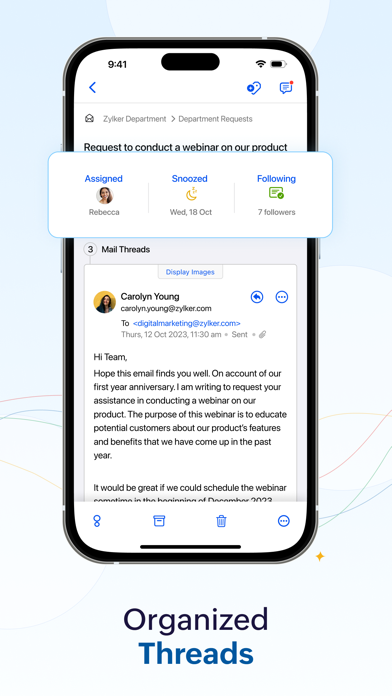
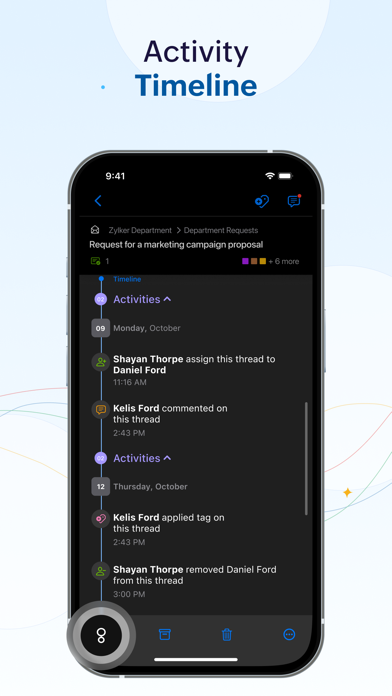
- Thread Assignment & Tracking: Assign specific email threads to individual team members to ensure clear ownership and avoid duplicated efforts.
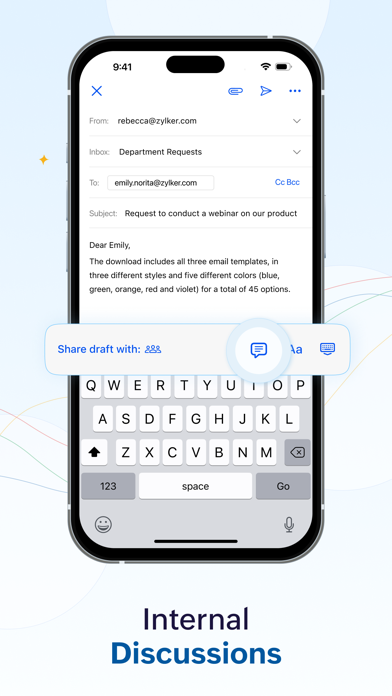
- Internal Discussions: Chat with teammates directly inside the email thread. You can @mention colleagues to ask questions or get input without sending a single internal email forward.
- Co-Authoring & Draft Sharing: Work together on email responses in real time. Share drafts with your team to review and refine replies collaboratively.
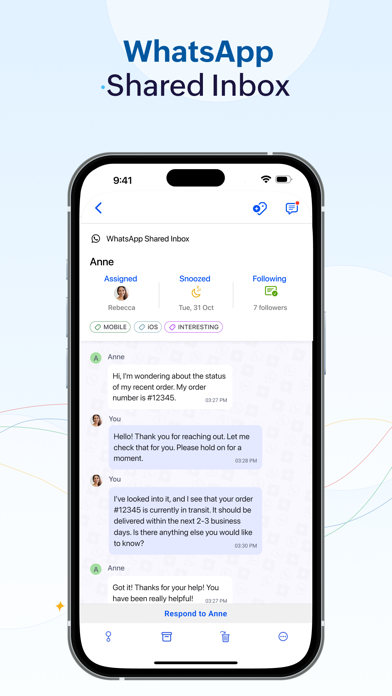
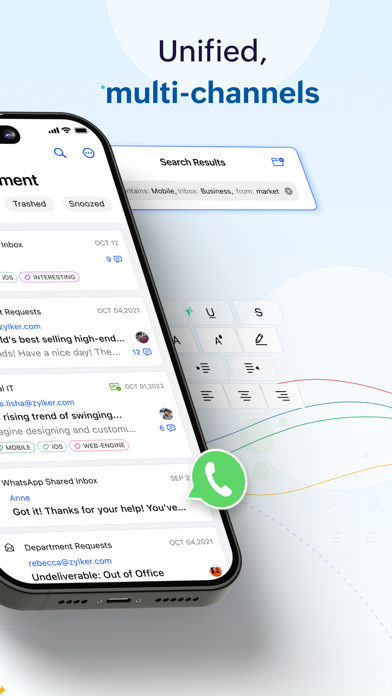
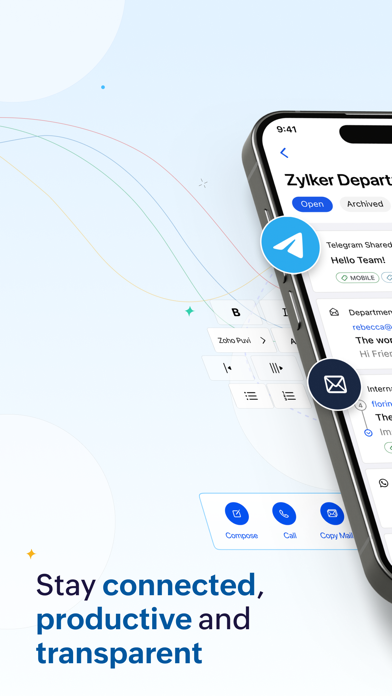
- Multi-Channel Integration: Bring external communication channels like WhatsApp, Instagram DM, and Telegram right alongside your shared emails to manage all business conversations in one place.
- Snooze & Archive: Keep your workspace clean by archiving completed tasks or snoozing less urgent threads until you are ready to address them.
Who Is This Collaborative Tool For?
The Zoho TeamInbox shared email client is an excellent fit for customer support agents, marketing teams, sales departments, and operations managers who handle high volumes of shared inquiries. It is particularly valuable for organizations looking to maintain strict accountability and achieve "Inbox Zero" without losing track of critical client communications.
Pricing and Subscription Tiers
Developed by Zoho Corporation, the application offers several mobile subscription tiers tailored to different team sizes and message volumes. The Solo plan is designed for individual users, while the Team and Team Plus tiers accommodate up to three and five users respectively, offering expanded monthly replies, shared tags, and customizable response templates.
Streamline Your Team Communication Today
If you are ready to eliminate email clutter and improve response times across your organization, this collaborative tool is highly worth considering. To explore its features firsthand and set up your shared workspace, head over to the official App Store page to get started with Zoho TeamInbox on your Mac.