
OneCommander File Manager
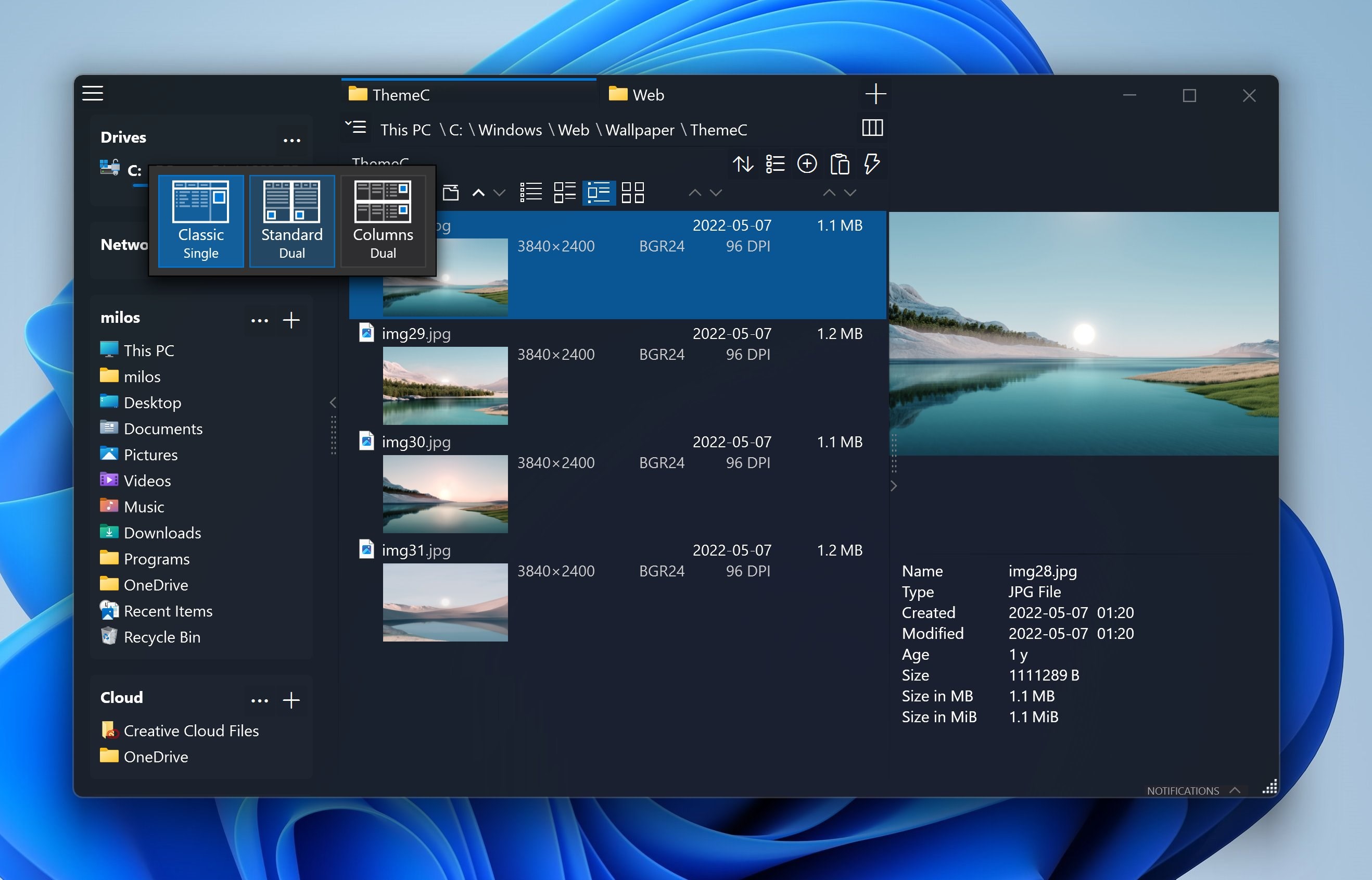
Discover OneCommander, the advanced dual-pane file manager for Windows 10 & 11. Read our full review of its features, tabs, and columns view.
An Advanced Alternative to Windows File Explorer
OneCommander file manager is a high-performance, dual-pane file management solution designed specifically for Windows 10 and 11 users who have outgrown the default system tools. Developed by milosp, this utility provides a highly organized workspace that streamlines complex file operations without cluttering your desktop with multiple windows.
Streamline Your Workflow with Dual-Pane and Columns View
The primary draw of this tool is its structural flexibility. Unlike standard directory browsers, it allows you to operate within a dual-pane layout complete with tabs. This means you can copy, move, and compare folders side-by-side seamlessly. For those who prefer a structural hierarchy, the macOS Finder-style columns view lets you fly through deep folder trees with minimal clicks.
Key Features for Power Users
- Instant Visual Previews: Press the Spacebar to instantly preview images, audio, video, and documents without launching external applications.
- Smart Visual Organization: Utilize color tags, file-age coloring, and project-based favorites to keep track of your most critical assets.
- Advanced File Operations: Manage heavy workloads with a dedicated copy/move queue, batch renaming tools supporting Regular Expressions (RegEx), and full long-path support.
- Tailored Interface: Personalize your workspace with editable icons and custom dark or light themes.
Who is OneCommander File Manager For?
This software is built specifically for power users, developers, photographers, and creative professionals who handle massive volumes of data daily. If your creative or development workflow requires constant directory switching, the project organization features and batch processing queues will save you hours of repetitive clicking.
Additionally, privacy-conscious users will appreciate that the software does not collect or transmit personal data, offering a clean, ad-free environment for home use.
Is It the Right Tool for You?
If you are tired of the limitations of the default Windows File Explorer, this application offers the depth, speed, and customization you need to regain control over your local storage. To explore its capabilities firsthand, visit the official Microsoft Store to download and integrate it into your daily routine.