
Duplicate File Remover
An in-depth review of Duplicate File Remover, the Windows utility designed to reclaim disk space by safely deleting identical files and media.
Reclaim Your Storage Space Safely
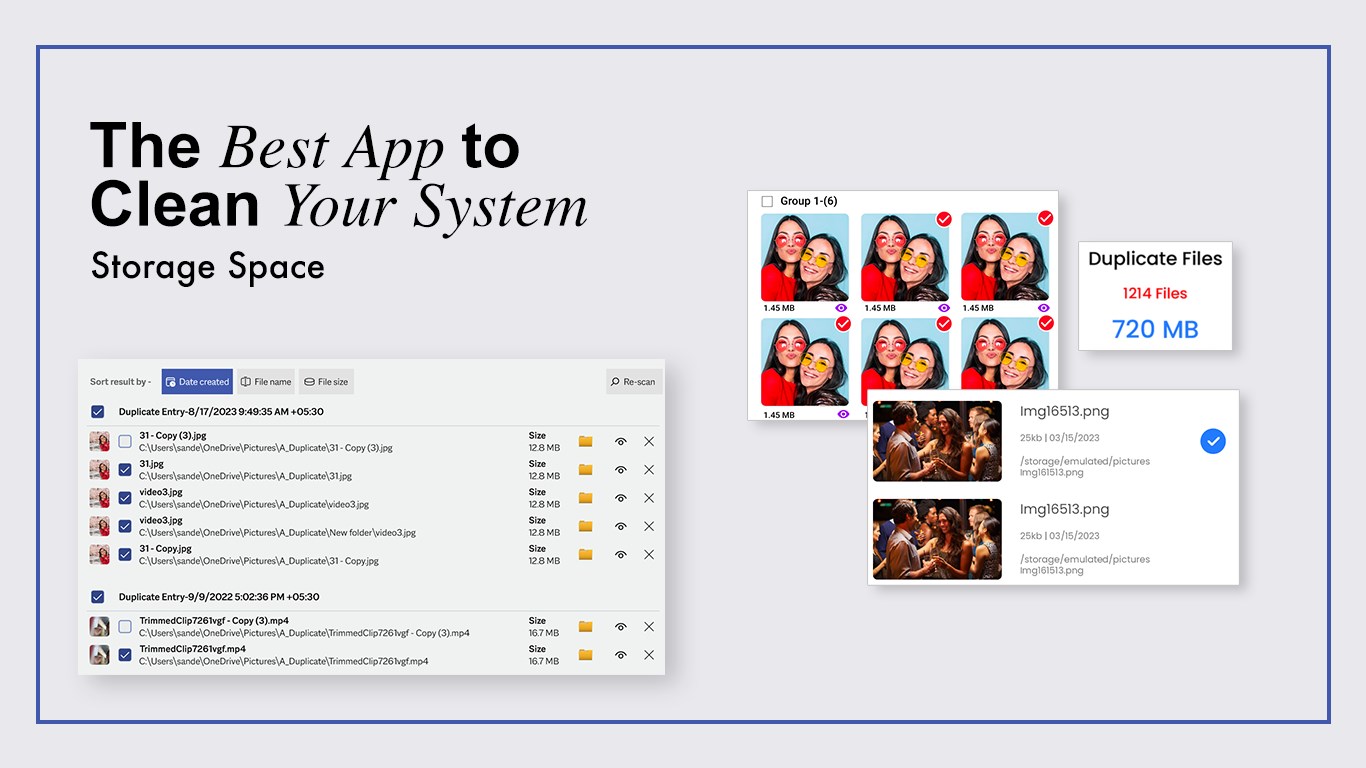
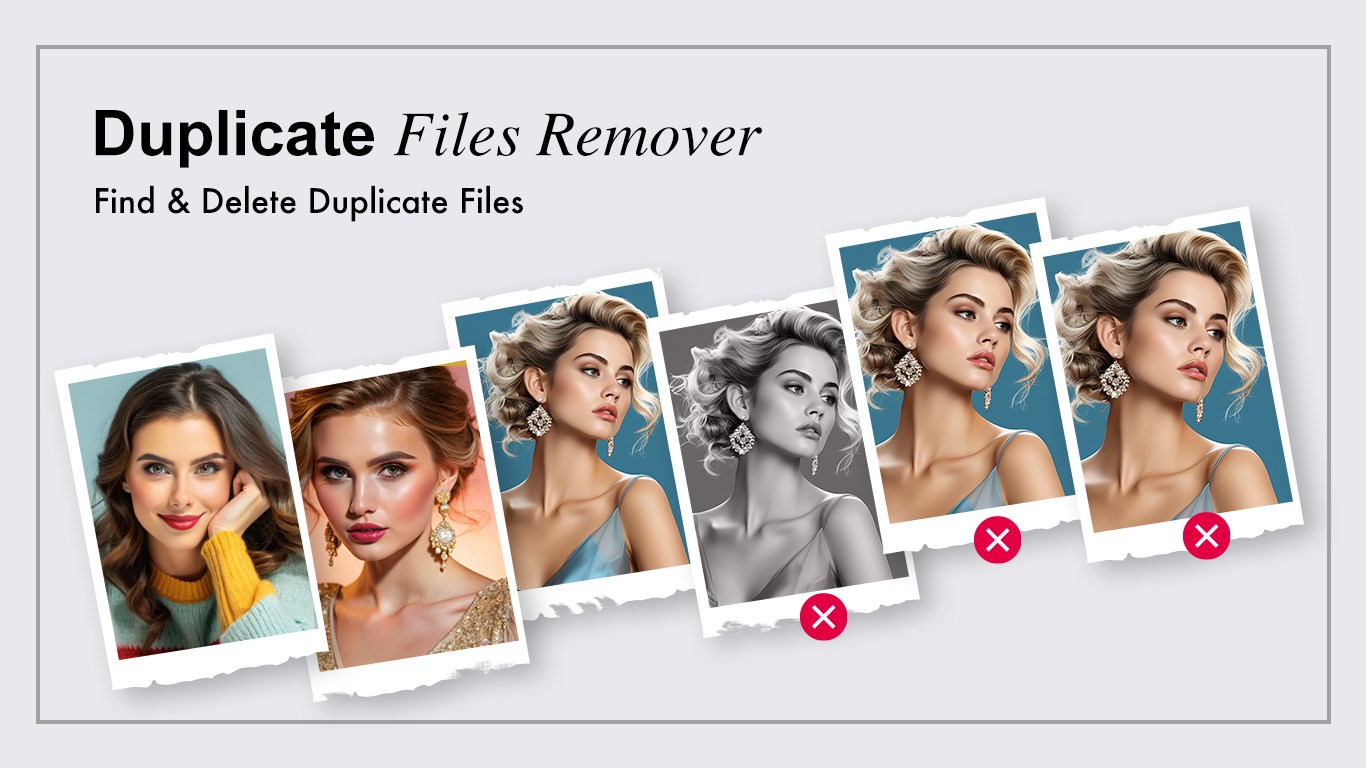
One of the quickest ways to slow down a Windows device is by letting redundant data accumulate. The Duplicate File Remover storage utility by Videopix addresses this exact problem by targeting hidden copies of documents, images, songs, and videos that quietly consume your hard drive space. Rather than forcing you to hunt through folders manually, this tool automates the detection process with a high degree of precision.
Flexible Scan Modes for Efficient Cleanup
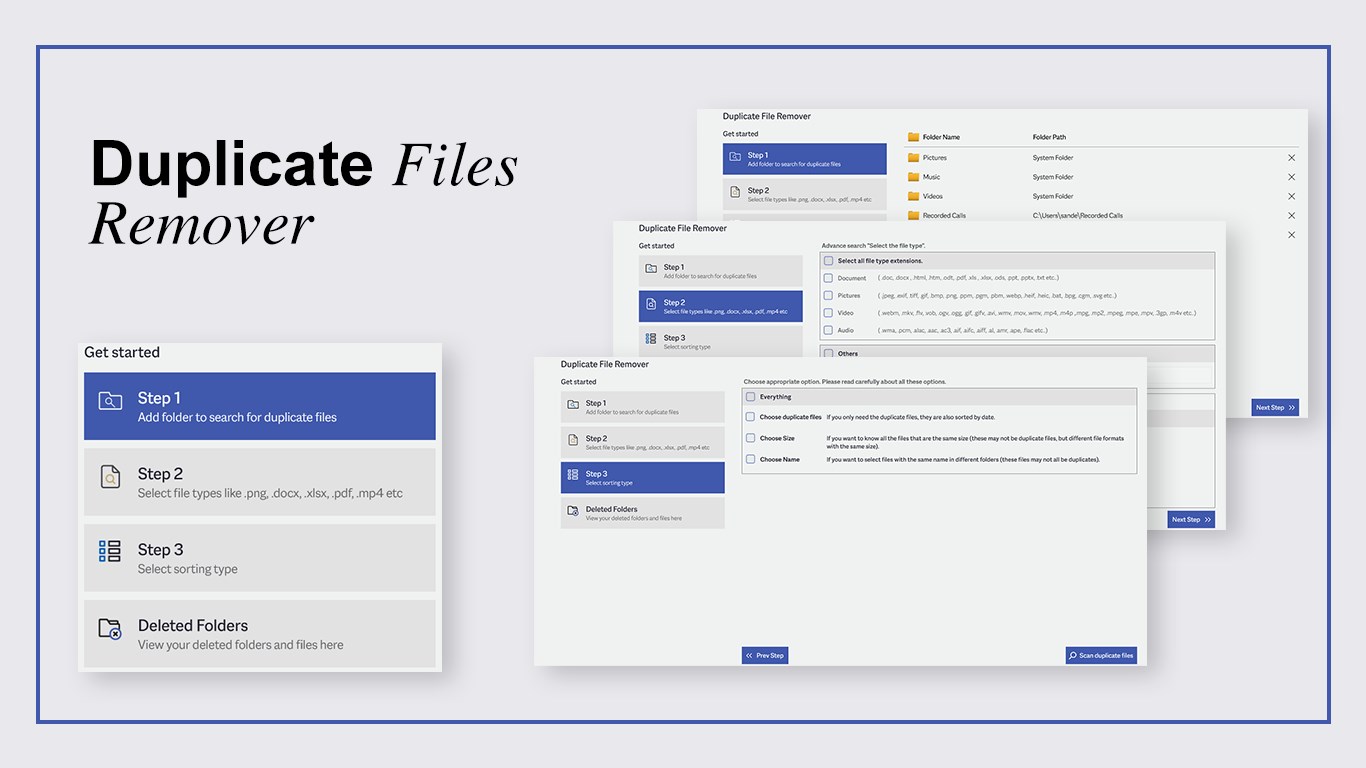
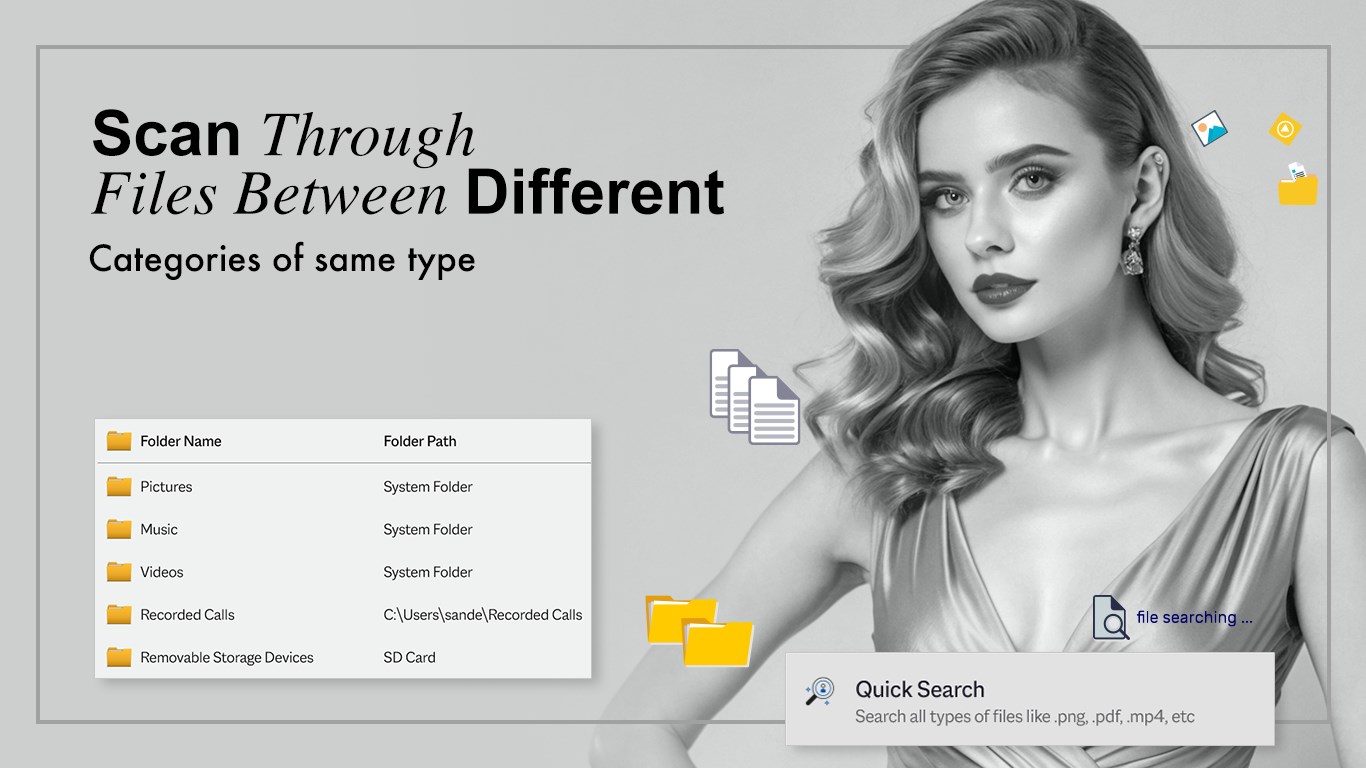
What sets the Duplicate File Remover storage utility apart is its dual-mode search functionality, designed to accommodate both casual users and advanced administrators:
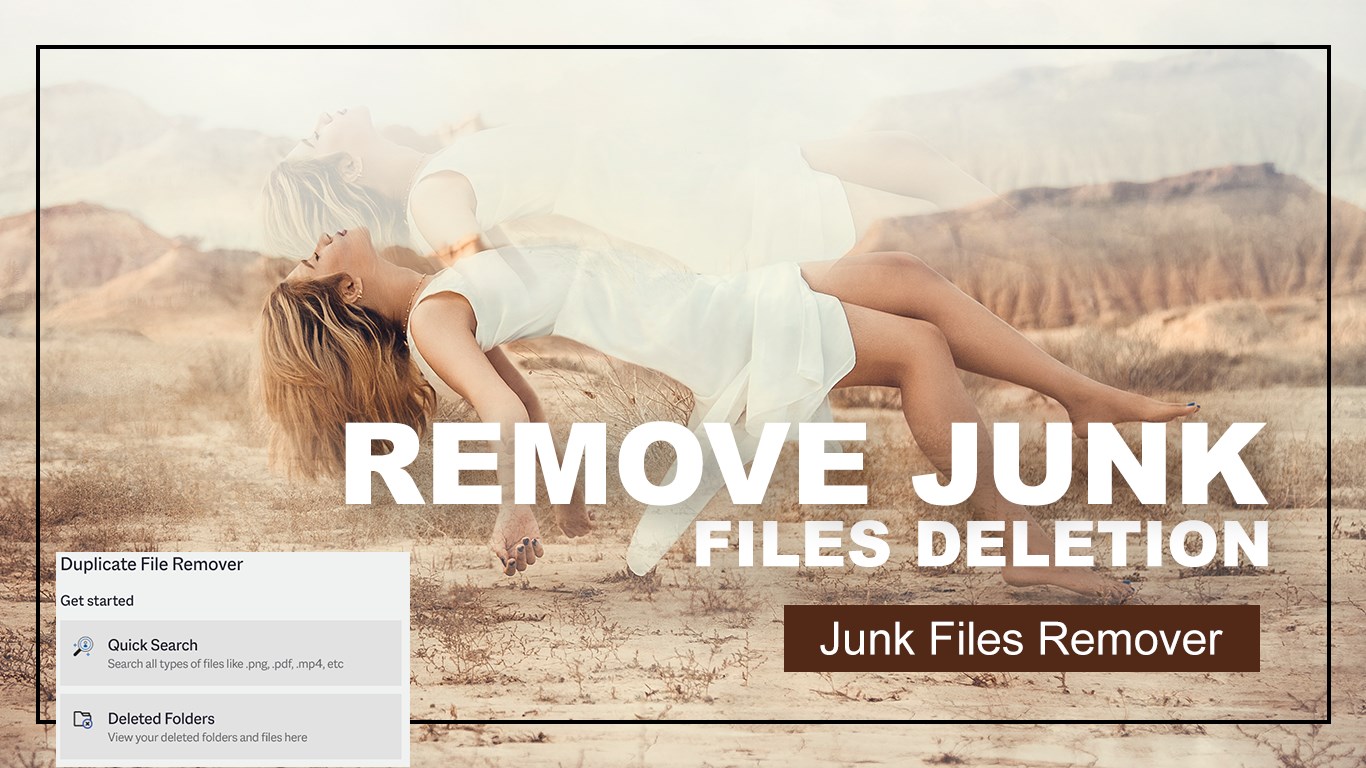
- Quick Search: Instantly targets default system directories to find and surface immediate duplicates without complex configuration.
- Advanced Search: Allows you to define custom target folders, set specific file size parameters, and filter by name or extension for highly targeted scanning.
Granular Selection and Safety Filters
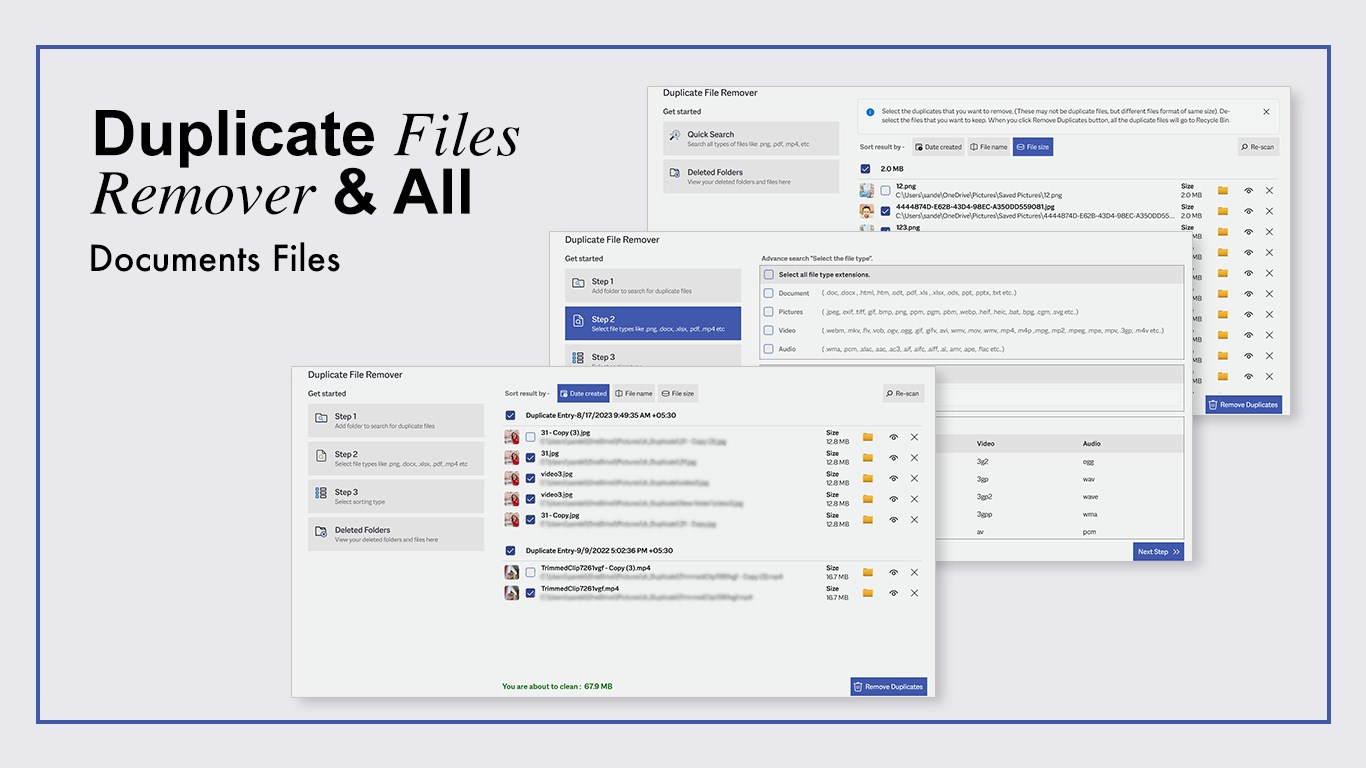
Deleting system files by accident is a common fear when cleaning up storage. This utility minimizes that risk by letting you review every match before taking action. You can filter results by specific categories—such as documents, pictures, music, or videos—and choose whether to purge files in bulk or evaluate them individually. It gives you total control over what stays and what goes.
Who Is This Tool For?
If you regularly download media, manage large photo libraries, or work with multiple versions of the same documents, your system is likely holding gigabytes of unnecessary data. This lightweight tool is ideal for Windows users who need a straightforward, secure, and rapid way to restore drive performance and maintain an organized directory structure.
How to Get Started
Using the application is simple: launch the software, select either a quick scan or customize your target folders, review the generated list of identical files, and confirm the removal. To clean up your system and optimize your device's storage, head over to the official Microsoft Store to download the Duplicate File Remover today.