
Junk, Duplicate & Large file Cleaner
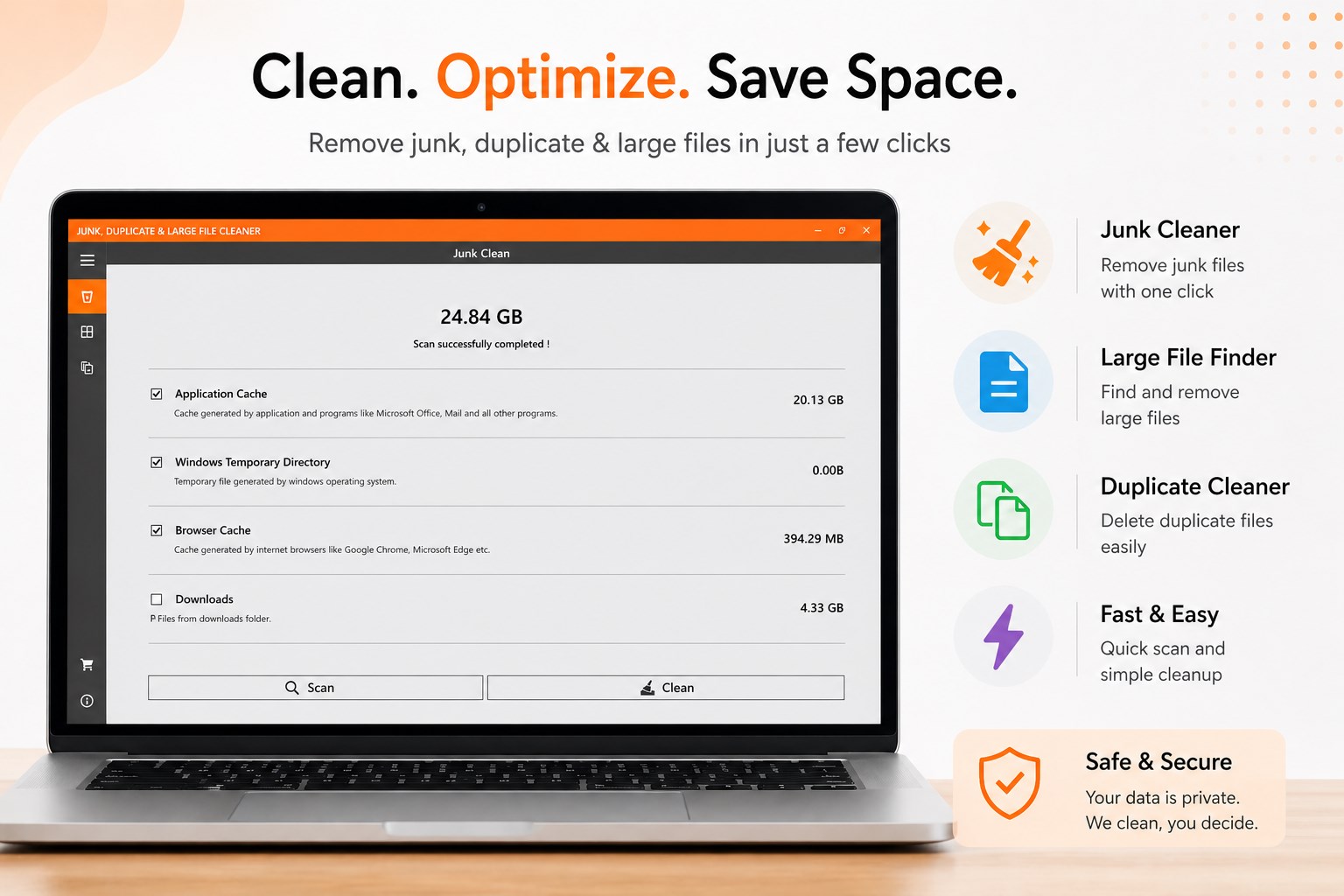
Discover how Junk, Duplicate & Large file Cleaner by TwoDigit Lab optimizes your Windows PC. Read our full review of its storage-saving features.
Is your Windows PC slowing down due to hidden clutter? The Junk, Duplicate & Large file Cleaner by TwoDigit Lab is a dedicated system utility designed to help users reclaim valuable storage space and restore system efficiency. Instead of manually digging through obscure system directories, this tool provides a centralized, streamlined dashboard to identify and purge unnecessary data in just a few clicks.
Who Benefits Most from This Windows Cleaner?
This software is particularly beneficial for everyday Windows users, remote professionals, and gamers who notice their storage drives nearing capacity. If you frequently download large media files, install numerous applications, or simply haven’t cleared your system cache in months, the Junk, Duplicate & Large file Cleaner offers a straightforward way to audit your drive health without risking critical system files.
Key Features and Storage Optimization Tools
- Targeted Junk Cleanup: Instantly scan and isolate temporary files, system cache, and redundant installer data that accumulate silently over time.
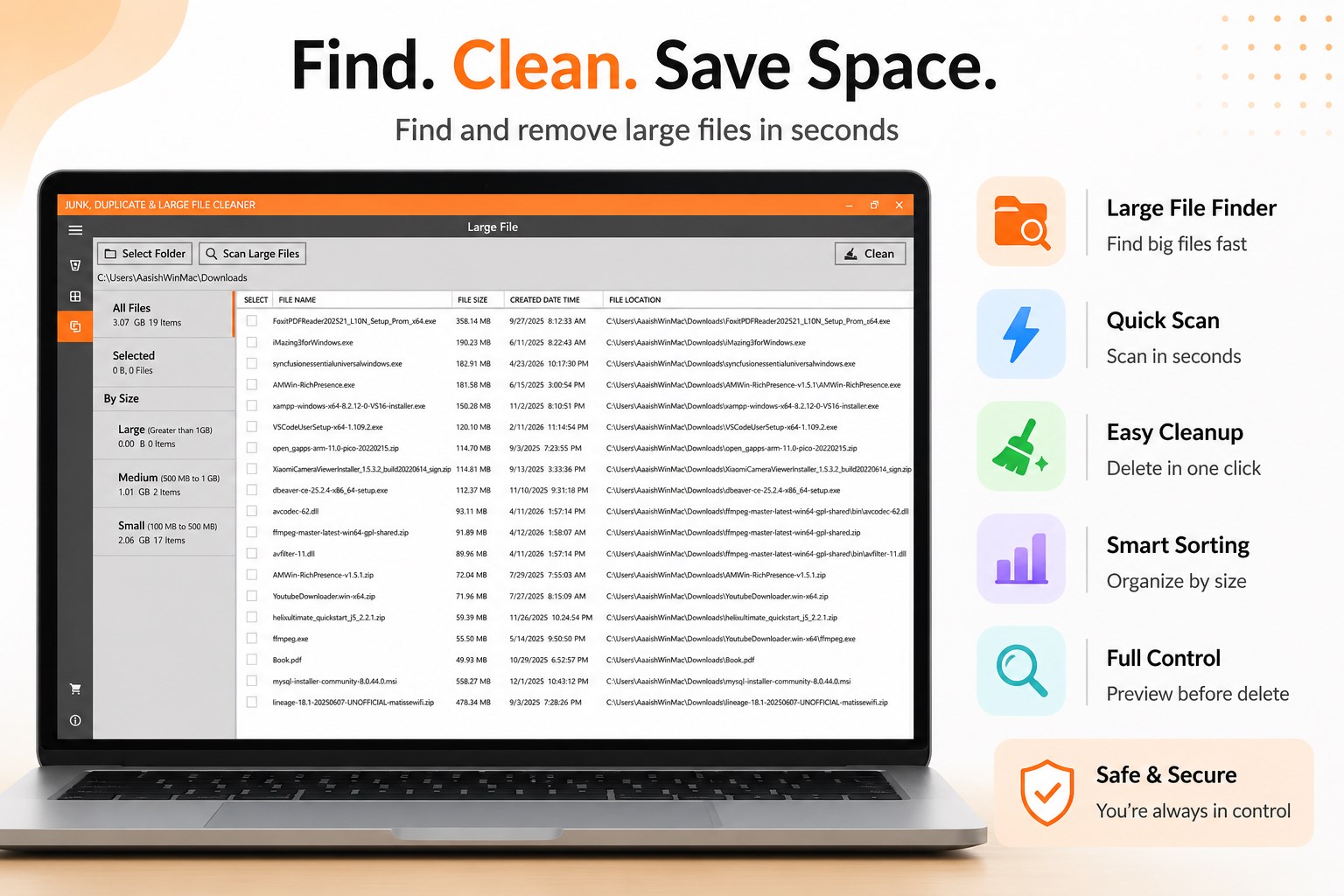
- Large File Detection: Quickly isolate massive files that are hogging your hard drive, allowing you to review and safely remove them.
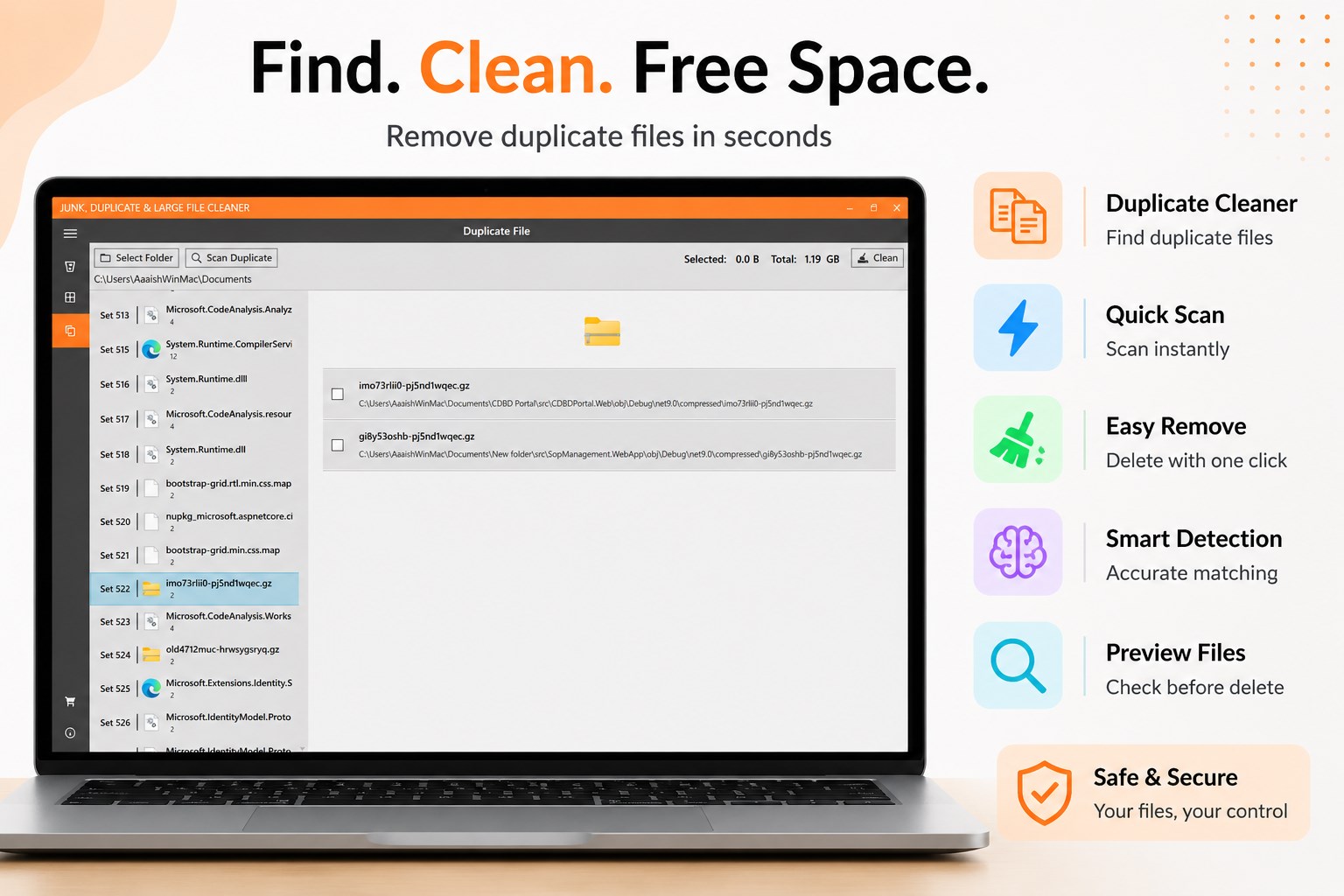
- Duplicate File Locator: Find and eliminate identical copies of photos, documents, and archives to prevent wasted storage capacity.
- Local Privacy Guard: All scanning and identification processes are performed locally on your physical machine. Your files are never uploaded to external servers, ensuring absolute privacy.
How the App Works
The application is built with simplicity in mind. Upon launching the utility, you can initiate a comprehensive scan of your drive within seconds. The clean, modern user interface categorizes findings into distinct groups: junk files, duplicate items, and oversized documents. While the scanning and identification features are completely free to use, actual file removal requires either a yearly subscription or a lifetime license.
Is It the Right Tool for You?
If you need an intuitive, lightweight utility to quickly diagnose why your hard drive is full, this app is an excellent starting point. It takes the guesswork out of system maintenance, presenting a clear picture of your storage distribution. To try it out and analyze your system, head over to the official Microsoft Store page to download the Junk, Duplicate & Large file Cleaner.