
Butler
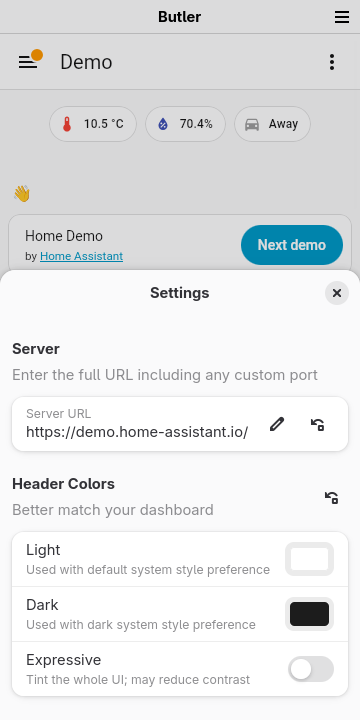
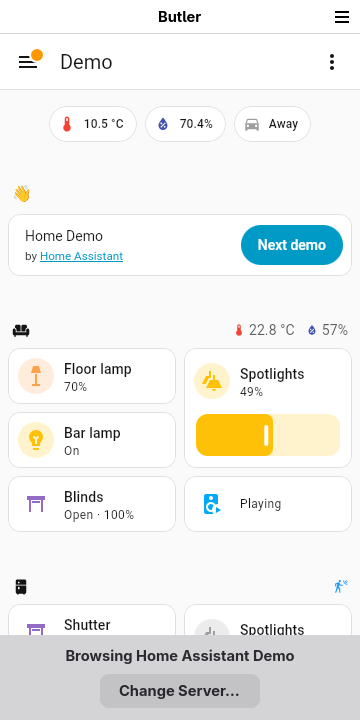
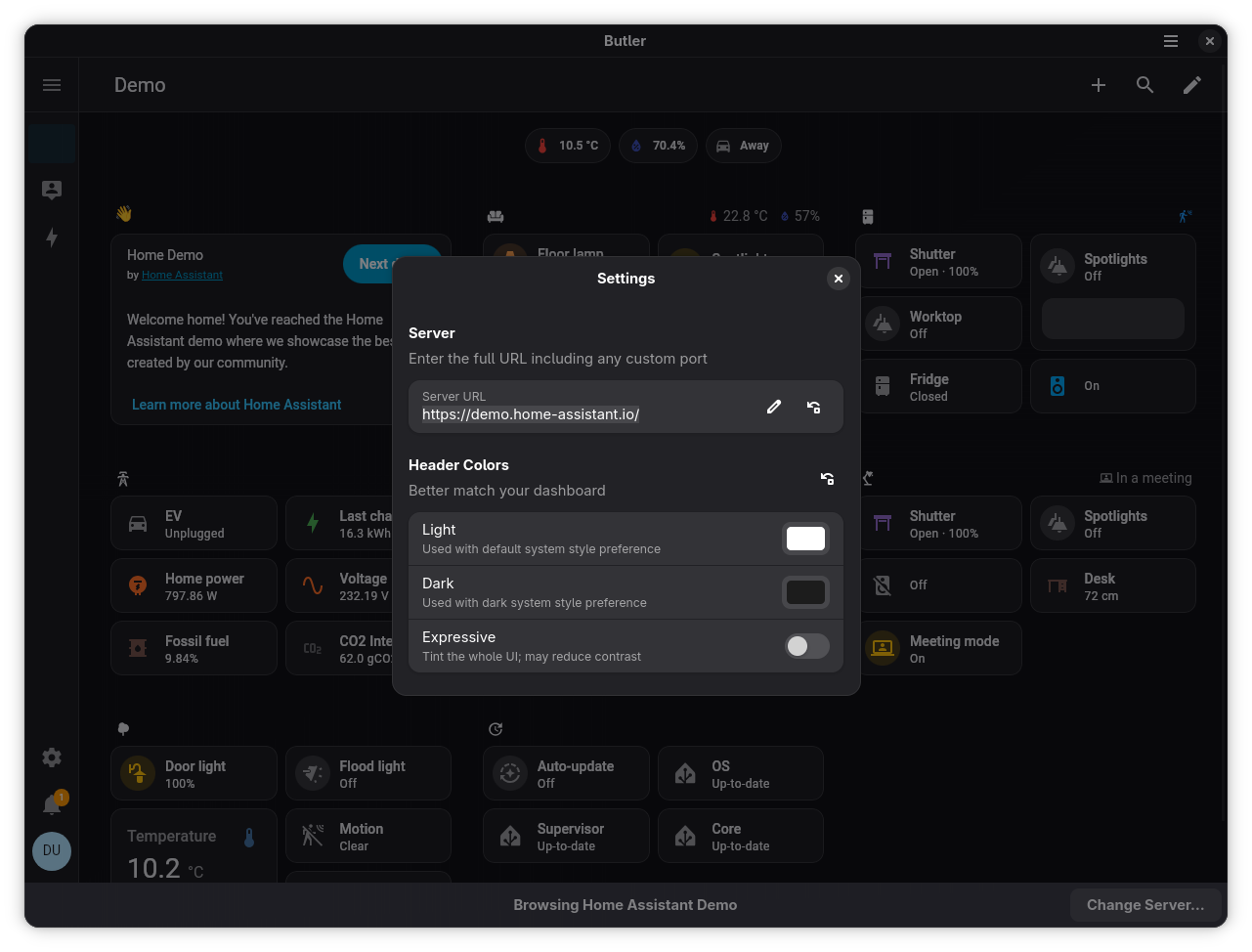
An in-depth review of Butler, the native Linux companion client designed to integrate your Home Assistant dashboard directly into your desktop environment.
While smart home enthusiasts love the versatility of Home Assistant, managing it via a standard web browser on a desktop can feel disconnected. Enter Butler Home Assistant client, a native companion UI for Linux environments that bridges the gap between your web-based smart home dashboard and your operating system. Developed by Cassidy James Blaede, this utility elevates your smart home management by embedding your control panel directly into your system's workflow.
What Makes the Butler Home Assistant Client Different?
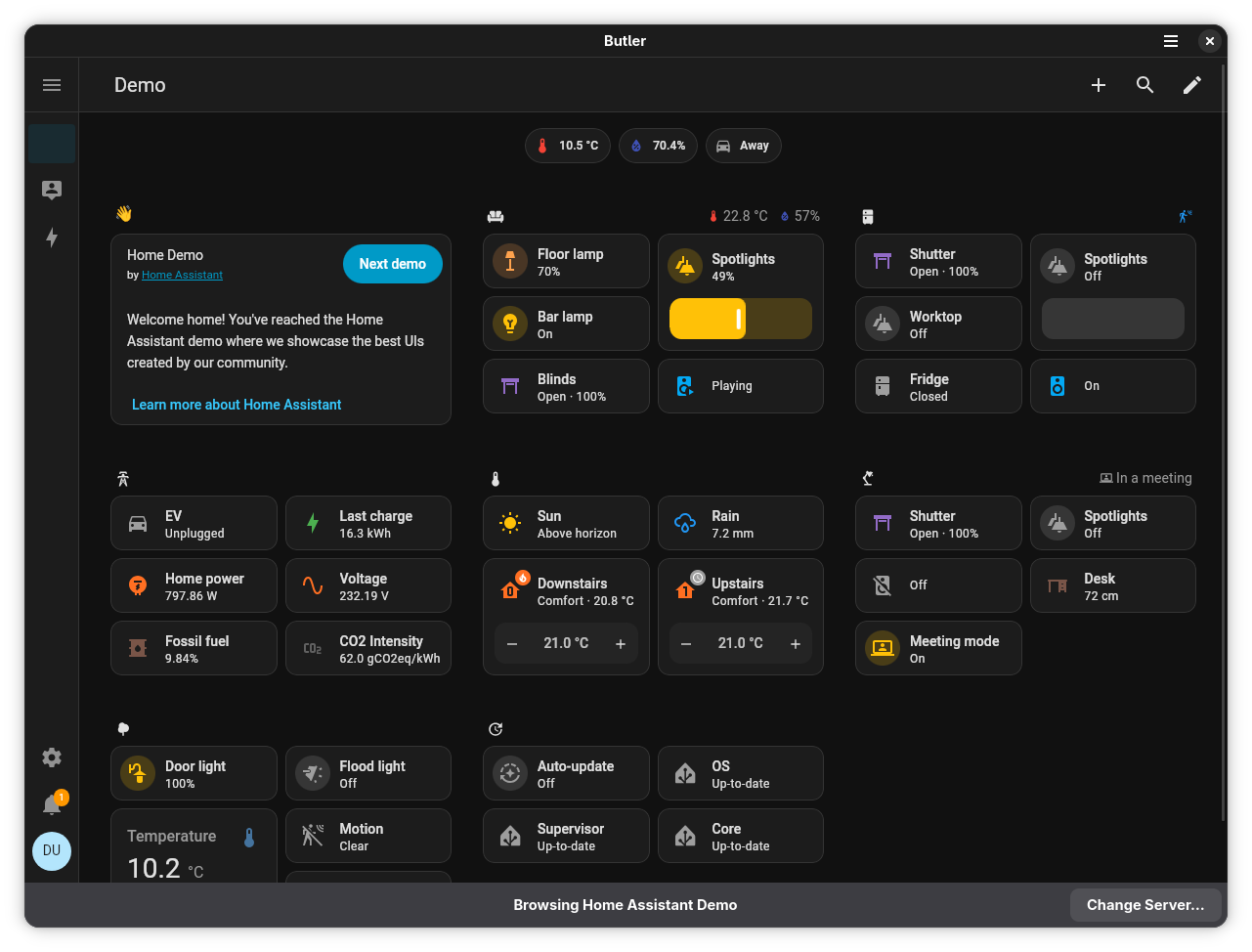
Unlike running Home Assistant in a cluttered browser tab, the Butler Home Assistant client packages your dashboard into a dedicated native application. This means you get a clean, focused interface that integrates seamlessly with your system's Dash, Dock, App Grid, and Applications Menu. It behaves like a true system application, featuring a native header bar and the ability to automatically save and restore your window size and active view upon closing and reopening.
Key Features for Desktop and Kiosk Users
- Seamless Navigation: Supports two-finger touchpad swipes and mouse side buttons to easily navigate back and forth between different dashboard views.
- Responsive Scaling: Adjust your interface zoom on the fly using standard keyboard shortcuts (Ctrl+Plus/Minus, or Ctrl+0 to reset) alongside pinch-to-zoom support.
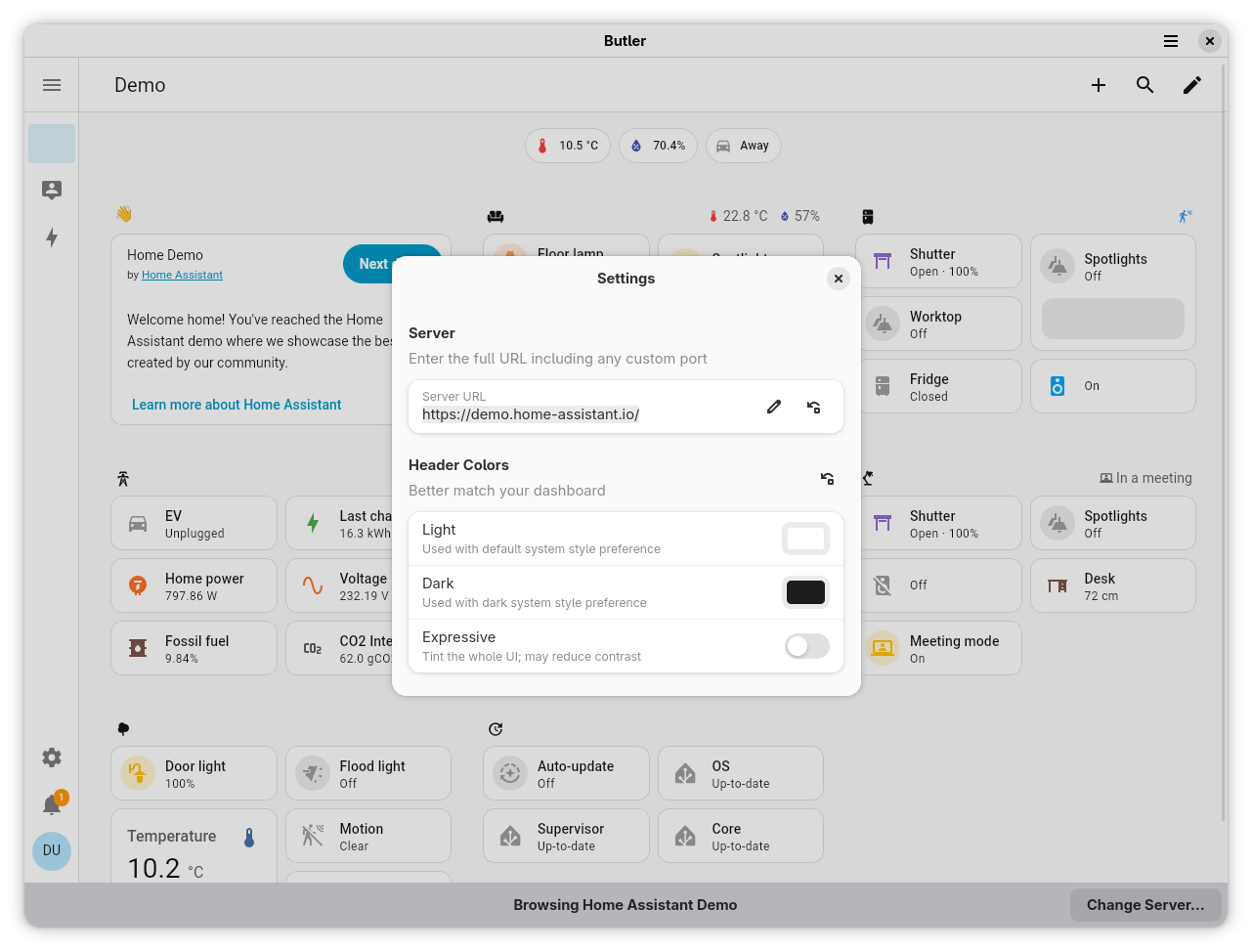
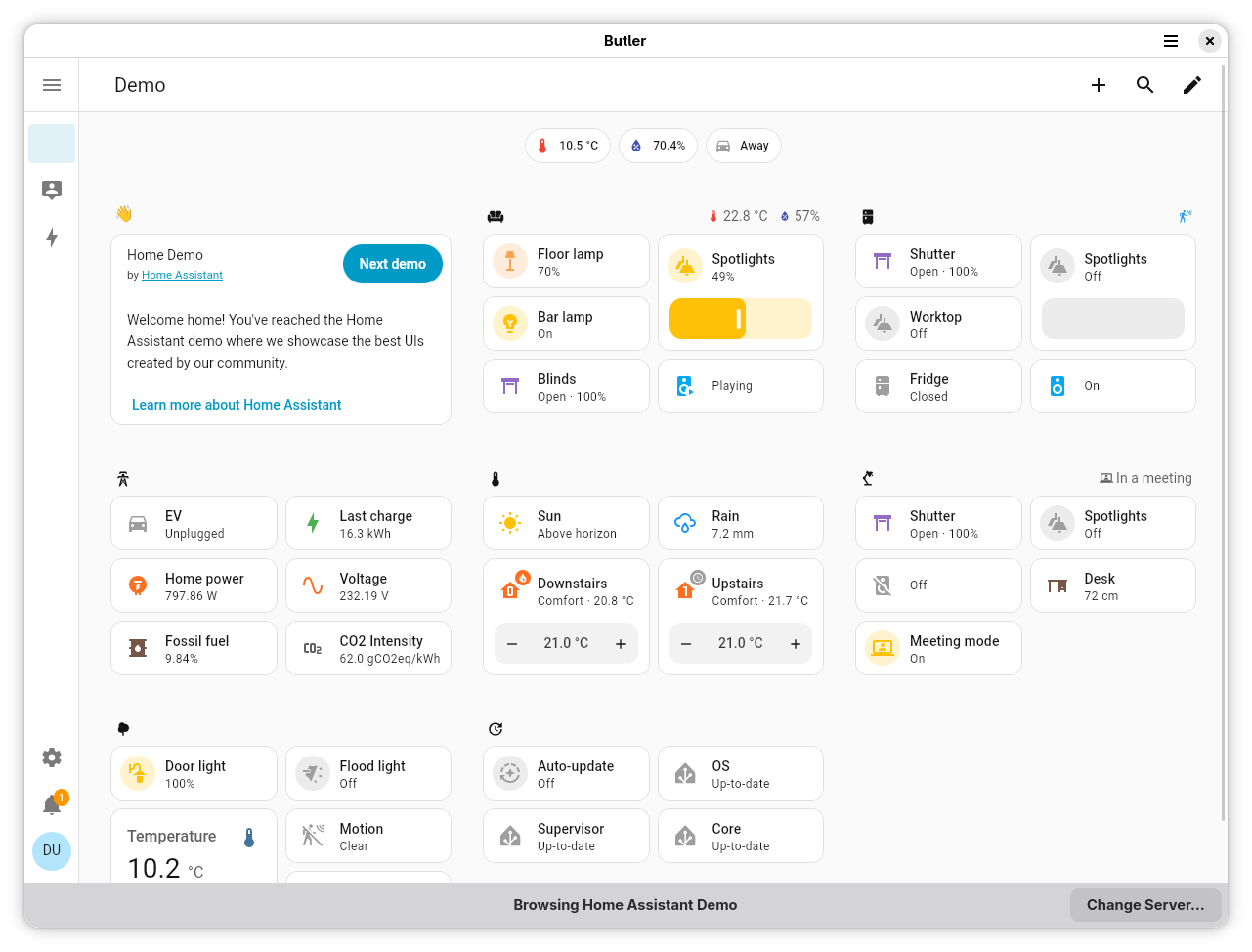
- Visual Integration: Works with cross-desktop light and dark styling configurations, matching your system preferences when supported by your active Lovelace theme.
- Kiosk Optimization: Includes full-screen support triggered via menus, keyboard shortcuts, or a GSetting, making it highly suitable for dedicated hardware displays or wall-mounted monitors.
Important Scope and Limitations
It is worth noting that this software is tailored specifically for dashboard interaction. It does not currently replicate mobile-specific companion features such as background location tracking, native OS notifications, or local device sensor reporting. Additionally, users utilizing newer Nest cameras should be aware that WebRTC camera streams are not currently supported in this version.
Our Verdict
For Linux users seeking a dedicated, distraction-free gateway to their smart home, the Butler Home Assistant client is an incredibly practical utility. It transforms a standard web dashboard into a highly polished, system-native application perfect for desktop setups and dedicated kiosk displays alike. To explore this integration further and add it to your setup, visit the official Flathub store page to get started.