
Celluloid

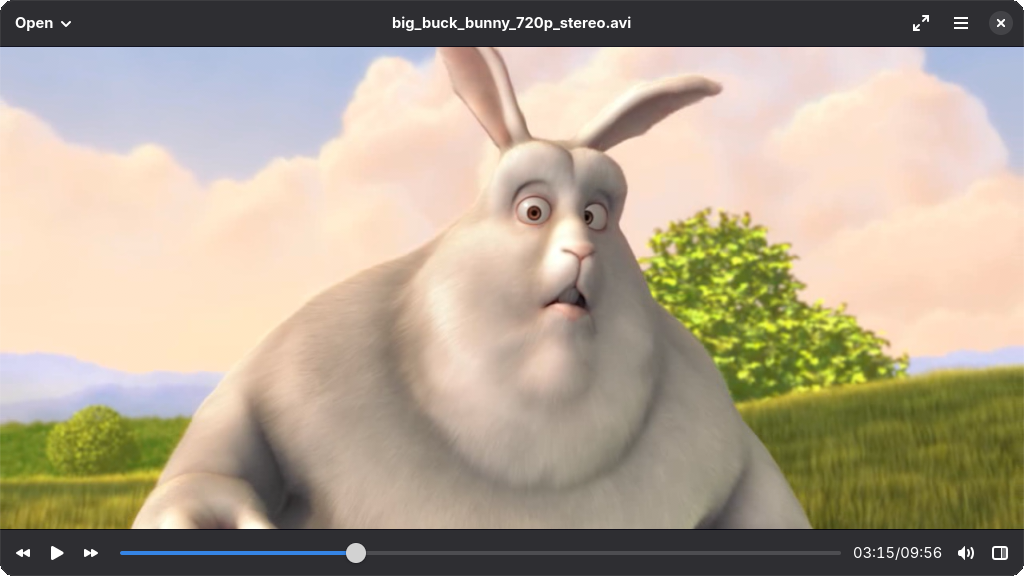
Read our comprehensive review of Celluloid, a native Linux media player designed for seamless playback. Discover if this GTK-based tool fits your setup.
Finding a media player that balances robust format support with a clean, native desktop aesthetic can be a challenge for Linux users. Celluloid video player addresses this exact need by offering a highly efficient, GTK-compatible interface built on top of the powerful mpv backend. Developed by The Celluloid Developers, this application provides a streamlined way to enjoy multimedia content without the overhead of cluttered interfaces.
Who Benefits Most from the Celluloid Video Player?
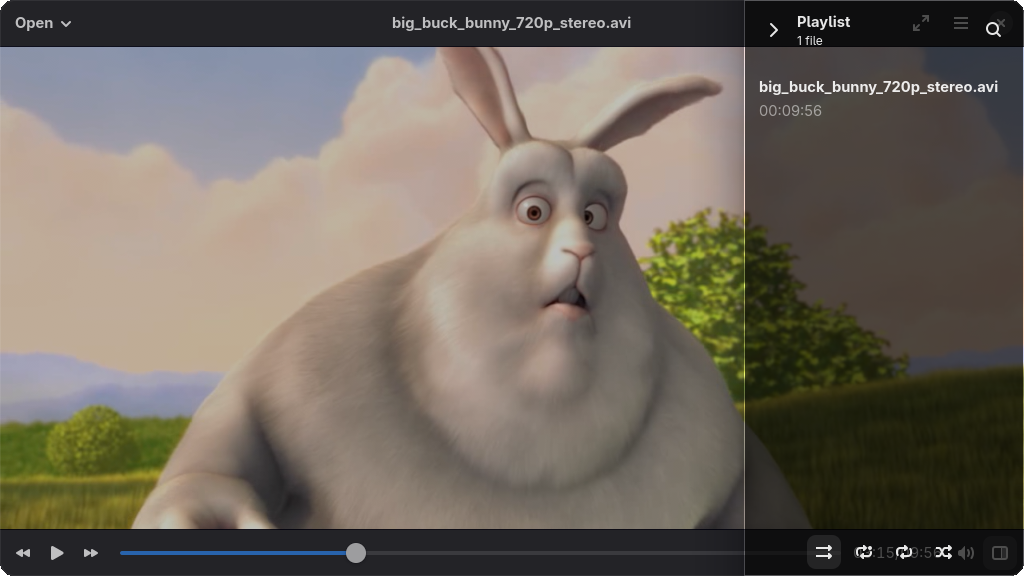
This application is tailored specifically for Linux enthusiasts who appreciate minimalist design principles. If you prefer your software to adhere to the GNOME Human Interface Guidelines (HIG) but still require the raw decoding power of mpv, this player is designed for you. It appeals to users who want a distraction-free viewing experience while maintaining deep customization options under the hood.
Key Features of This Linux Media Player
- Native GTK Integration: The interface naturally adapts to GNOME environments using client-side decorations (CSD), but can easily be configured for traditional window managers that do not utilize CSD.
- Effortless Playlist Management: Users can quickly organize their queue using the intuitive drag-and-drop playlist panel.
- Advanced Configuration Loading: Unlike many basic frontends, Celluloid allows you to load your existing external mpv configuration files directly, retaining your custom rendering and keyboard shortcut profiles.
- Modern System Controls: Full support for the MPRIS2 D-Bus interface means you can control your media seamlessly via system-wide volume widgets, keyboard media keys, or external remote control applications.
A Lightweight Powerhouse
The beauty of the Celluloid video player lies in its architecture. By leveraging the mpv library, it ensures hardware-accelerated playback of almost any modern video or audio format imaginable, while the GTK frontend keeps memory usage remarkably low. It acts as a perfect bridge between command-line efficiency and modern desktop convenience.
Our Editorial Verdict
For Linux users seeking a polished, reliable, and native media experience, this tool is an exceptional choice. It avoids unnecessary feature bloat, focusing instead on delivering flawless playback and system integration. To explore this software further and integrate it into your Linux desktop environment, visit the official Flathub store page to get started.